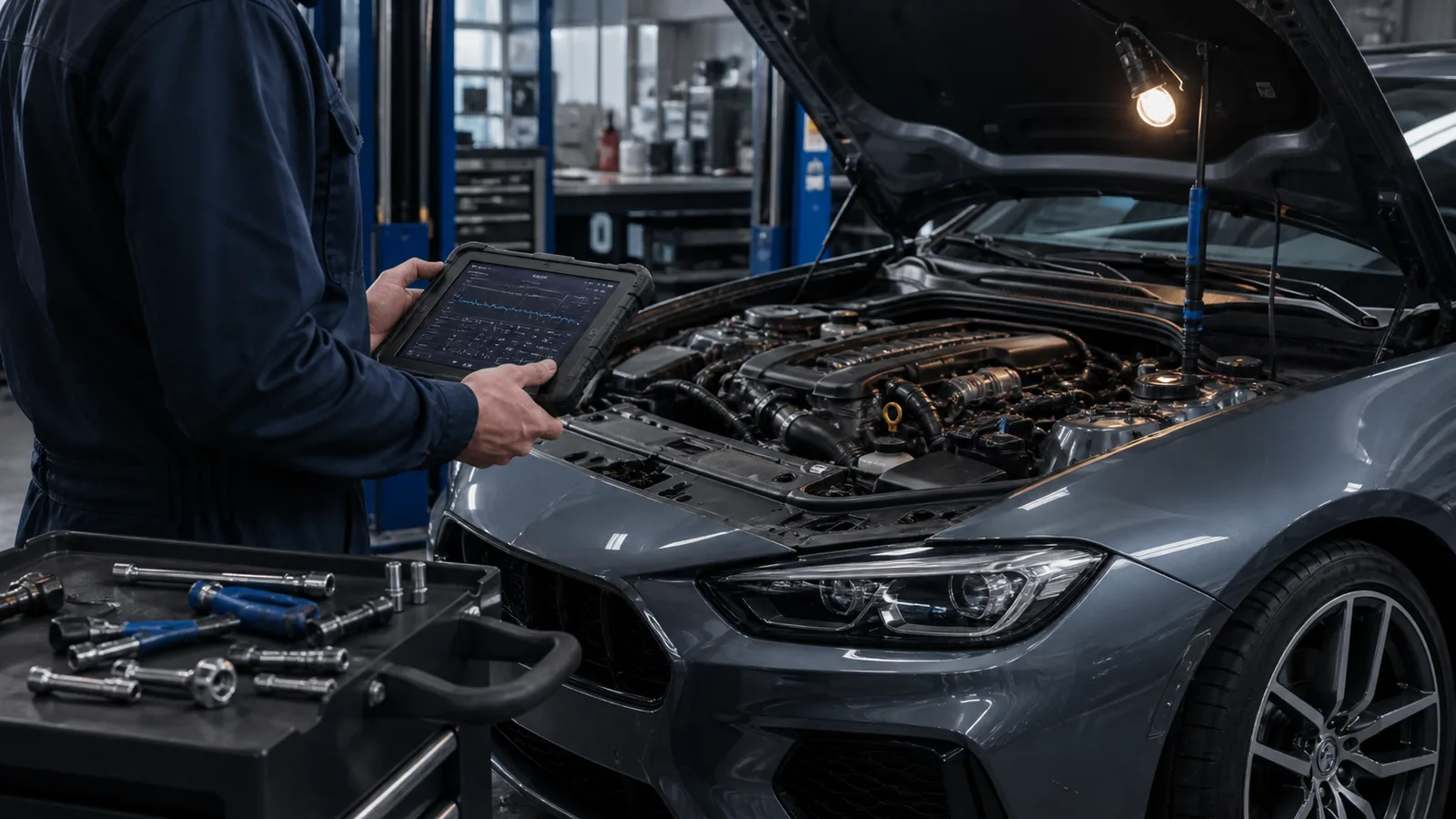
Every compliant scanner can read some powertrain information, but that does not mean it can access the systems or functions you need. Start with the question you want the tool to answer.
Choose the job first
A basic code reader may be enough to capture emissions-related codes and readiness. ABS, airbag, transmission, battery, service resets and bidirectional tests require deeper—and often model-specific—coverage.
Verify exact vehicle coverage
Check year, make, model, engine and region in the manufacturer coverage list. “All systems” on the box is not useful if an important control module on your vehicle is unsupported.
- Confirm iPhone or Android compatibility for Bluetooth tools
- Check whether updates require a subscription
- Look for exportable reports and readable live-data graphs
Treat bidirectional control with respect
Commanding a fan, valve, pump or parking-brake actuator can be diagnostically useful, but it can also move hardware. Use service information and understand the procedure before running an active test.
Judge the software, not only the adapter
Fast connection, clear units, saved sessions and understandable graphs matter during real diagnosis. A cheap adapter with unstable communication can waste more time than it saves.
Use the scanner as evidence
Save codes, freeze-frame data and readiness before clearing anything. The scanner should narrow the next test; it should not turn a fault-code description into an automatic parts order.
Sources and useful tools
EPA onboard diagnostics overview ↗Specifications and procedures vary. Follow the owner’s manual and use a qualified technician whenever safety or diagnosis is uncertain.